


ClearScope™ Ear Camera
ClearScope™ Ear Camera
A Simpler Way To Clean With A Clearer View.
ClearScope™ lets you see inside your ear live on your phone while you clean. It includes soft silicone tips, a setup guide, and a rechargeable design for easy at home use.
-

“I bought it mostly because I was curious, but seeing what was actually inside my ear is weirdly satisfying.”
-

“I was surprised by how clear the camera view was. Setup was simple too once I followed the guide.”
-

“I didn’t realize how much I was guessing before. Being able to actually see what I’m doing on my phone makes such a difference.”


Collapsible content

How does it work?

How does it work?
ClearScope™ uses a built-in camera and light to show a live view of your ear directly on your phone.
Simply follow the included manual to download the companion app and connect your ClearScope™. Once connected, open the live camera view and use the screen as your visual guide while following the included directions.

What’s included with my order?

What’s included with my order?
Every ClearScope™ order includes:
- 1 ClearScope™ Camera Ear Cleaner
- 6 Soft Silicone Tips
- USB-C Charging Cable
- Step-by-Step Setup Manual
- Free Shipping
- 30-Day Money-Back Guarantee
Everything you need to get set up is included — just bring your smartphone.

Can ClearScope™ hurt my ear?

Can ClearScope™ hurt my ear?
No. The soft, skin-safe silicone tips are soft and rounded. If you feel discomfort, pull back, you're watching the live feed, so you'll always know before it's too far.

How long until it arrives?

How long until it arrives?
Ships from US within 24 hours. Arrives in 8-12 business days. Free shipping included.
REAL DEMOS • REAL USE
See ClearScope™ In Action
Watch how ClearScope™ turns an everyday ear-cleaning routine into one you can actually see.
LIVE CAMERA VIEW
See What The Camera Sees.

See Inside Live
The built-in camera and light send a live view straight to your phone.
Less Guessing
See what you're looking at instead of relying only on touch and feel.
See Before You Clean
Turn an everyday routine into one you can actually see on screen.
Actual viewing experience may vary depending on lighting, phone display, connection, and product setup. Always follow the included instructions.

Trusted By Experts
"Most people have cleaned their ears the same way for years — using a cotton swab or basic ear pick and relying almost completely on feel.
The problem is simple: once the tool is near your ear, you cannot actually see what you’re touching or whether there is anything there at all. That uncertainty is what our research calls the “Blind-Cleaning Gap.”
ClearScope™ takes a different approach. A built-in camera and light send a live view directly to your phone, giving you visual feedback instead of making you rely only on guesswork.
That does not mean you should clean deeper or assume the camera makes ear cleaning risk-free. ClearScope™ should still be used gently and according to the included instructions. The difference is that now you can see before you clean."
-Lena Park, At Home Wellness Specialist

30-DAY MONEY-BACK GUARANTEE
Try ClearScope™ For 30 Days
See inside your ear live on your phone and experience the difference between cleaning by feel and cleaning with a clear view. If ClearScope is not the right fit for you, you're covered by our 30-day money-back guarantee.
Follow the simple setup guide
Use the included step-by-step instructions to connect the device to your phone and get your live camera view ready.
See before you clean
The built-in camera and light give you a live view on your phone so you can see what you're doing instead of relying only on guesswork.
Try it with confidence
Take time to see how ClearScope fits into your routine. If it's not right for you, you're covered by our 30-day money-back guarantee.
Use gently and follow the included directions. Do not insert the device deeply into the ear. Stop use if you feel pain or discomfort. This product is not a substitute for medical evaluation or treatment.
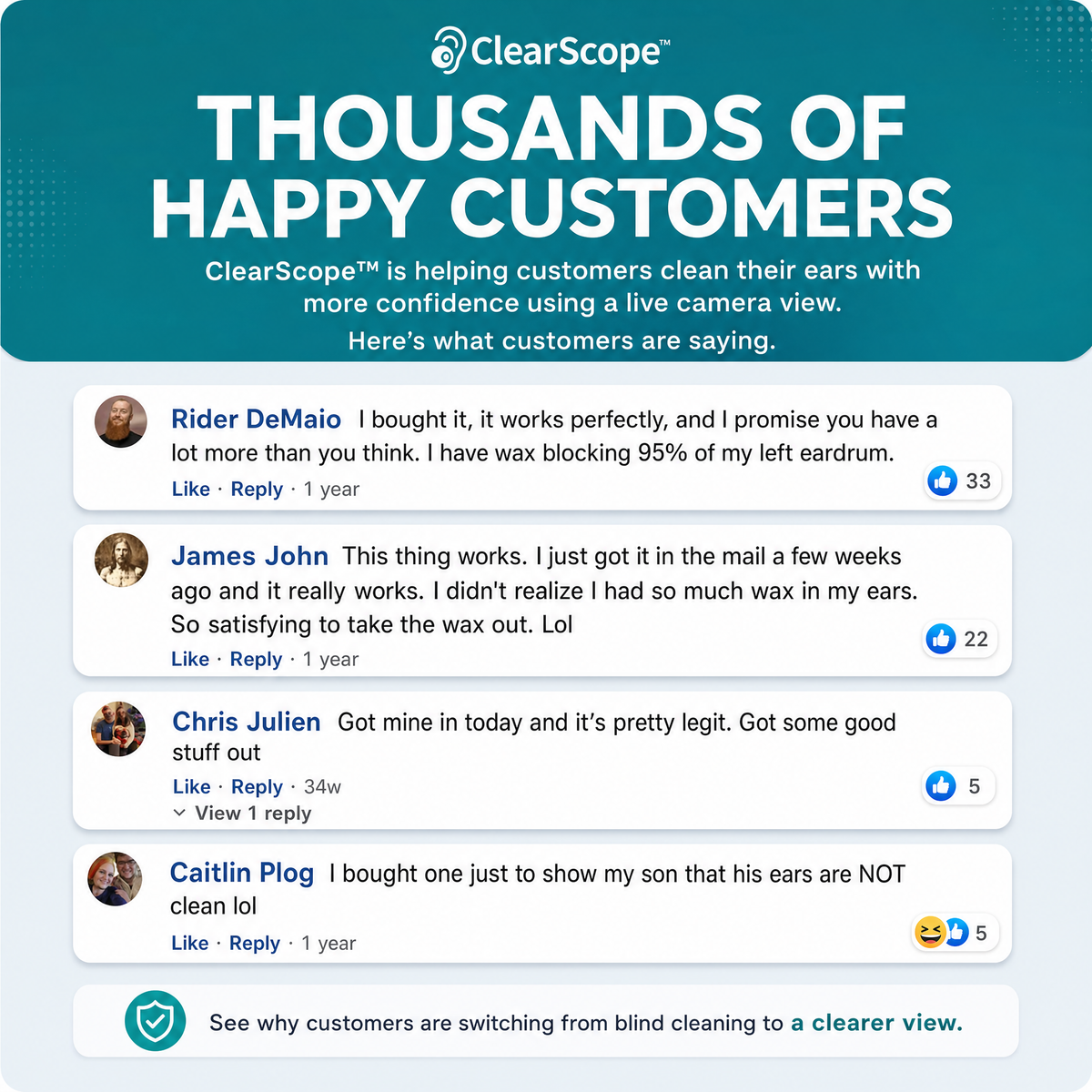
CUSTOMER FEEDBACK
What Customers Are Saying
Frequently asked questions
How often should I use it?
How often should I use it?
There is no need to use ClearScope™ every day. Use it only when needed and always follow the included instructions.
How do I clean it after using it?
How do I clean it after using it?
Remove the silicone tip after use and clean it according to the included care instructions. Make sure the tip is fully dry before attaching it again. Avoid getting the electronic handle or charging port wet.
Will ClearScope™ work with my phone?
Will ClearScope™ work with my phone?
ClearScope™ is designed to work with compatible iPhone and Android devices. The included manual shows you which app to download and walks you through the connection process step by step.
Product Safety & Specifications
Product Safety & Specifications
ClearScope™ features a built-in camera, USB-C charging, approximately 50 minutes of battery life, and compatibility with supported iPhone and Android devices. It includes 6 silicone tips, a charging cable, and a step-by-step instruction manual with the app setup process. Always follow the included instructions when setting up and using the device.